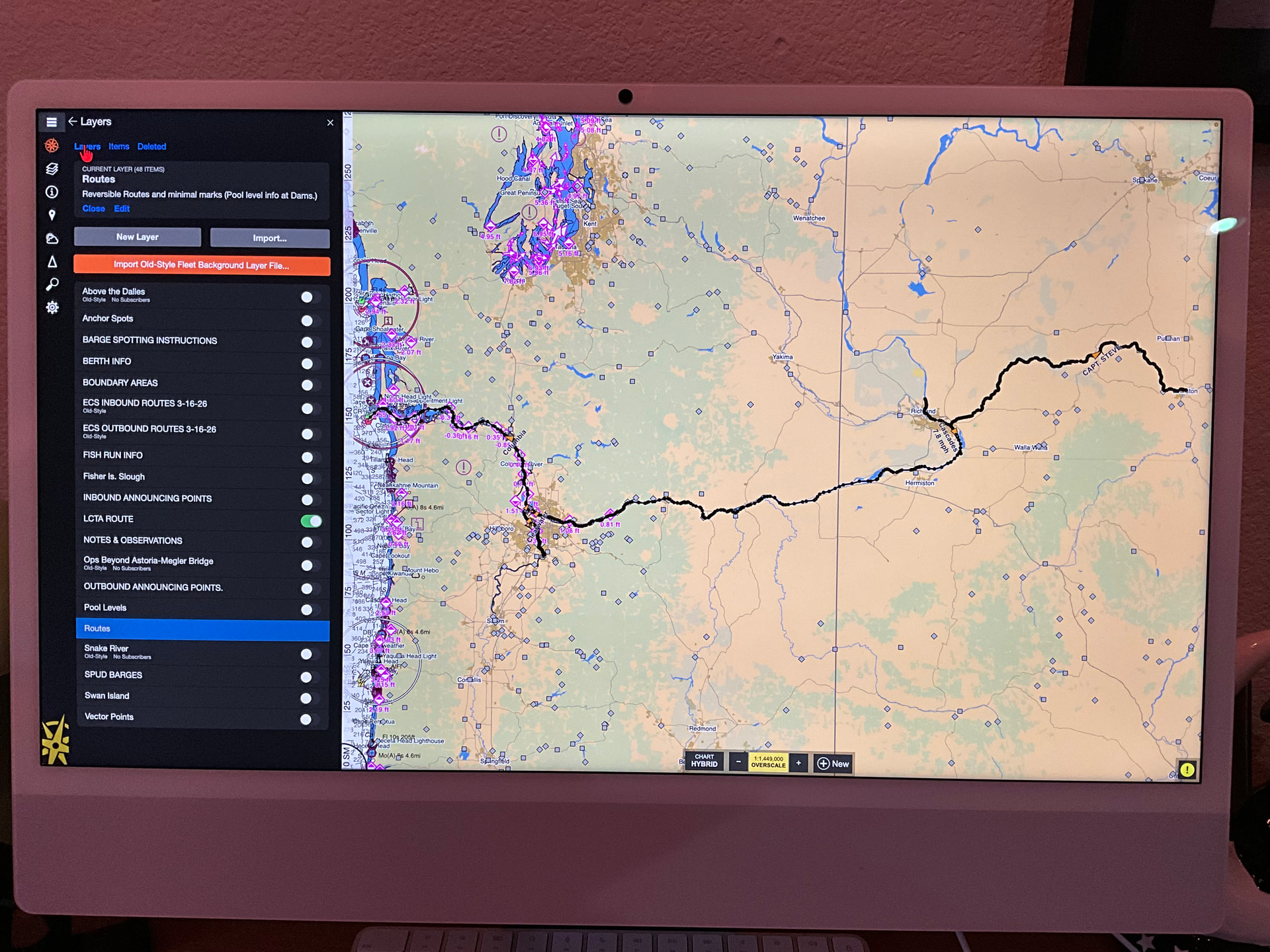
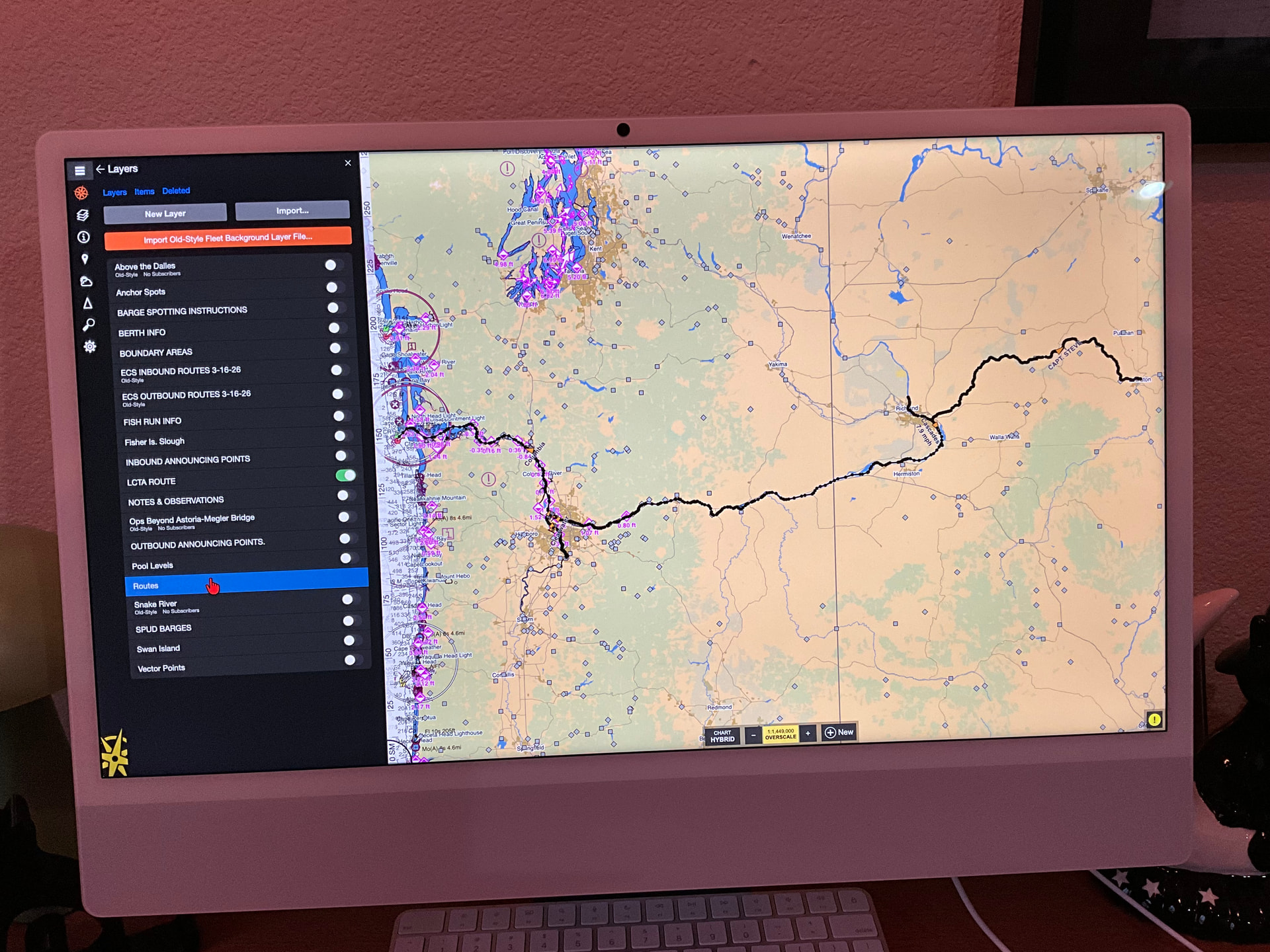
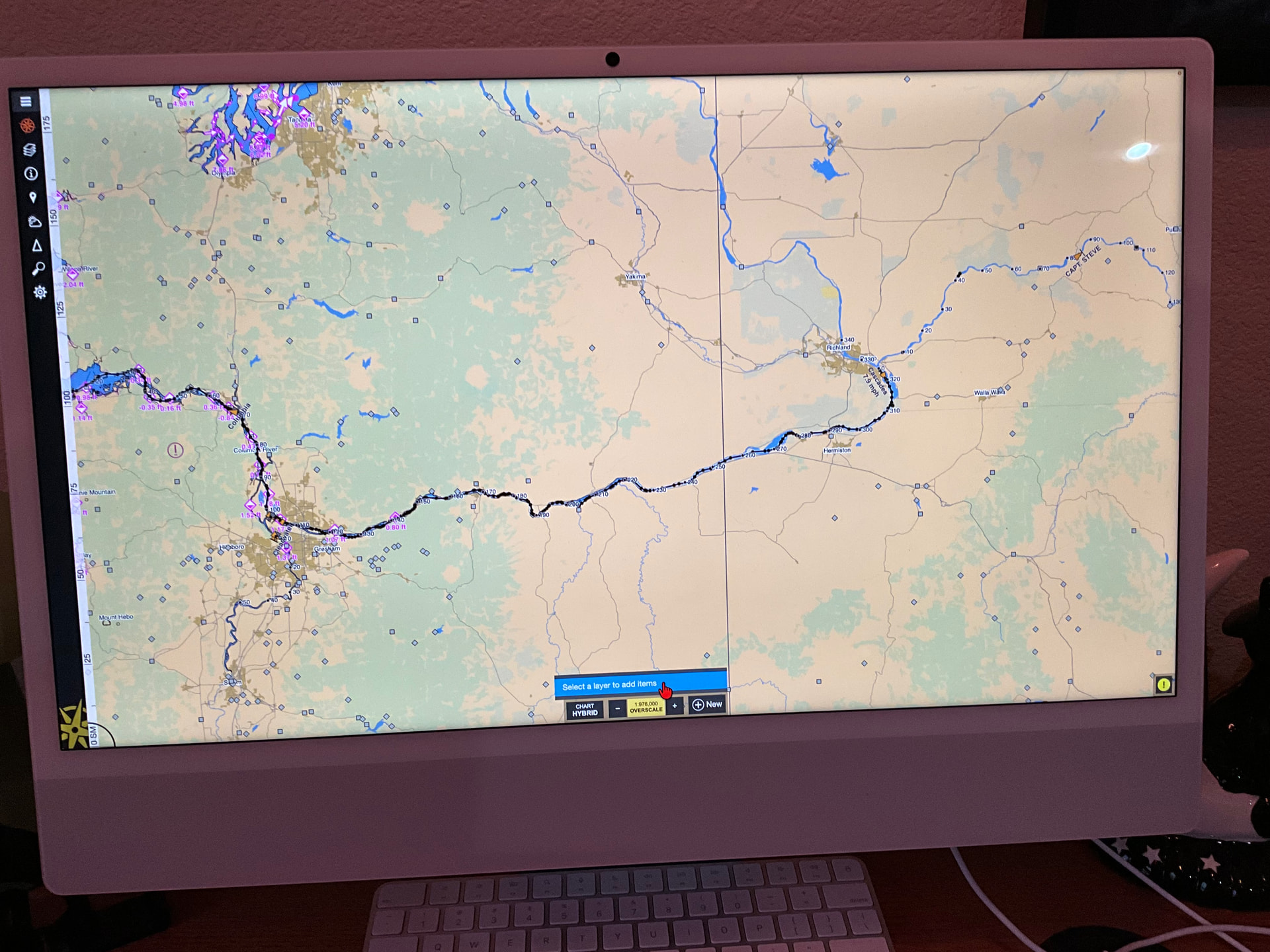
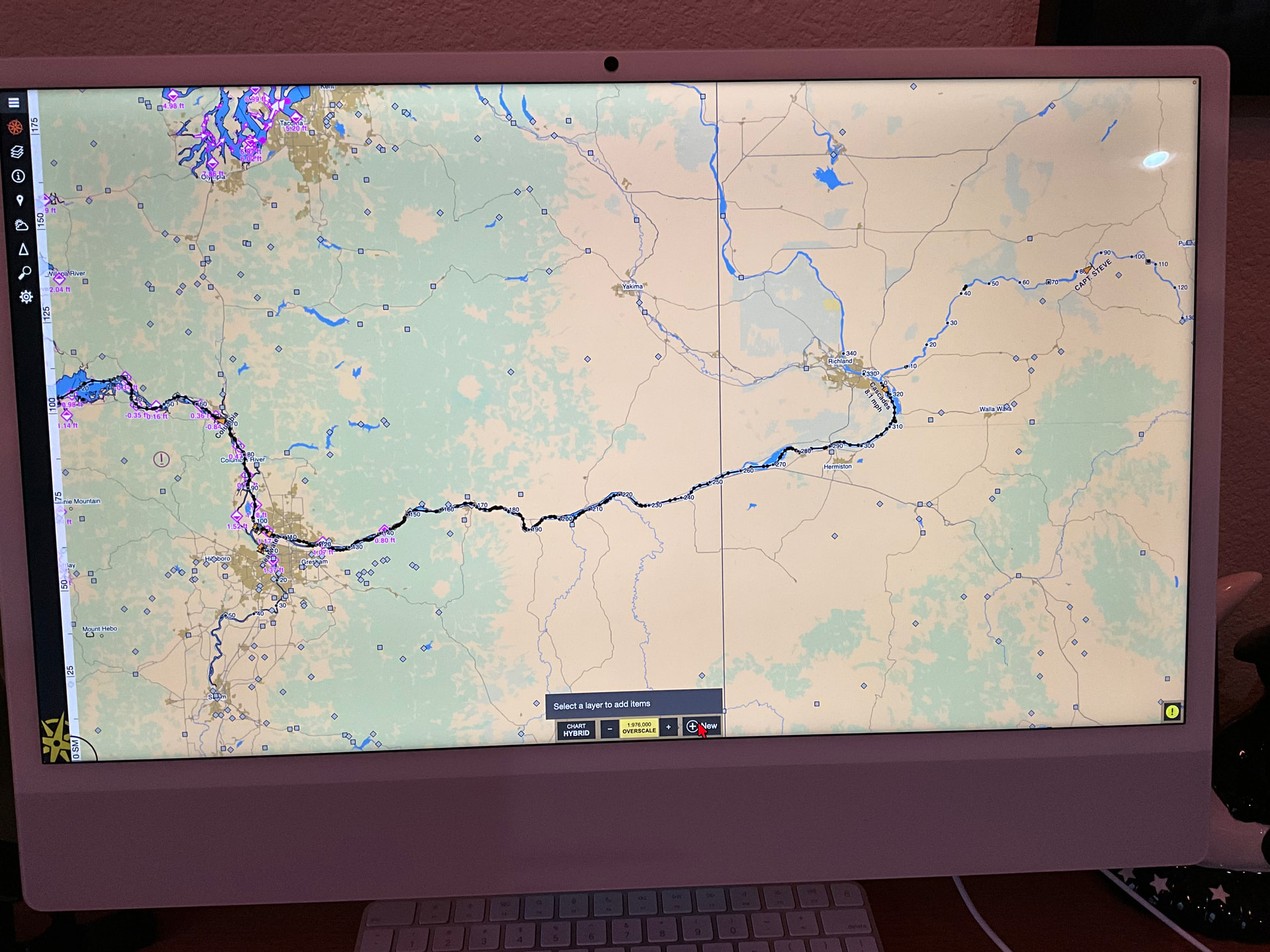
Glad to see the update and that the +add on tool is ready for use on the chart, I click on the +new button & select a layer to add items, it takes me to the layer window , when I select a route the +new works find but noticed that the “current layer close edit” button does not display at the top like normal, if I click on to layers then the “current layer close edit” appears and works as advertised. Would it be possible not to have it missing initially without having to hit layers? It might clear up questions when trying to close the route.
This has been fixed for the next update.
1 Like