Thanks for letting me be part of your testing. That said 1st thing I noticed is the hi lighted information button and a faint line on the chart indicating Maritime Safety Information , notices. When I click to open the faint line disappears off the chart and information window opens. I think it would be better to have the faint lines that show the area in question become more bold on the chart along with the information window. 
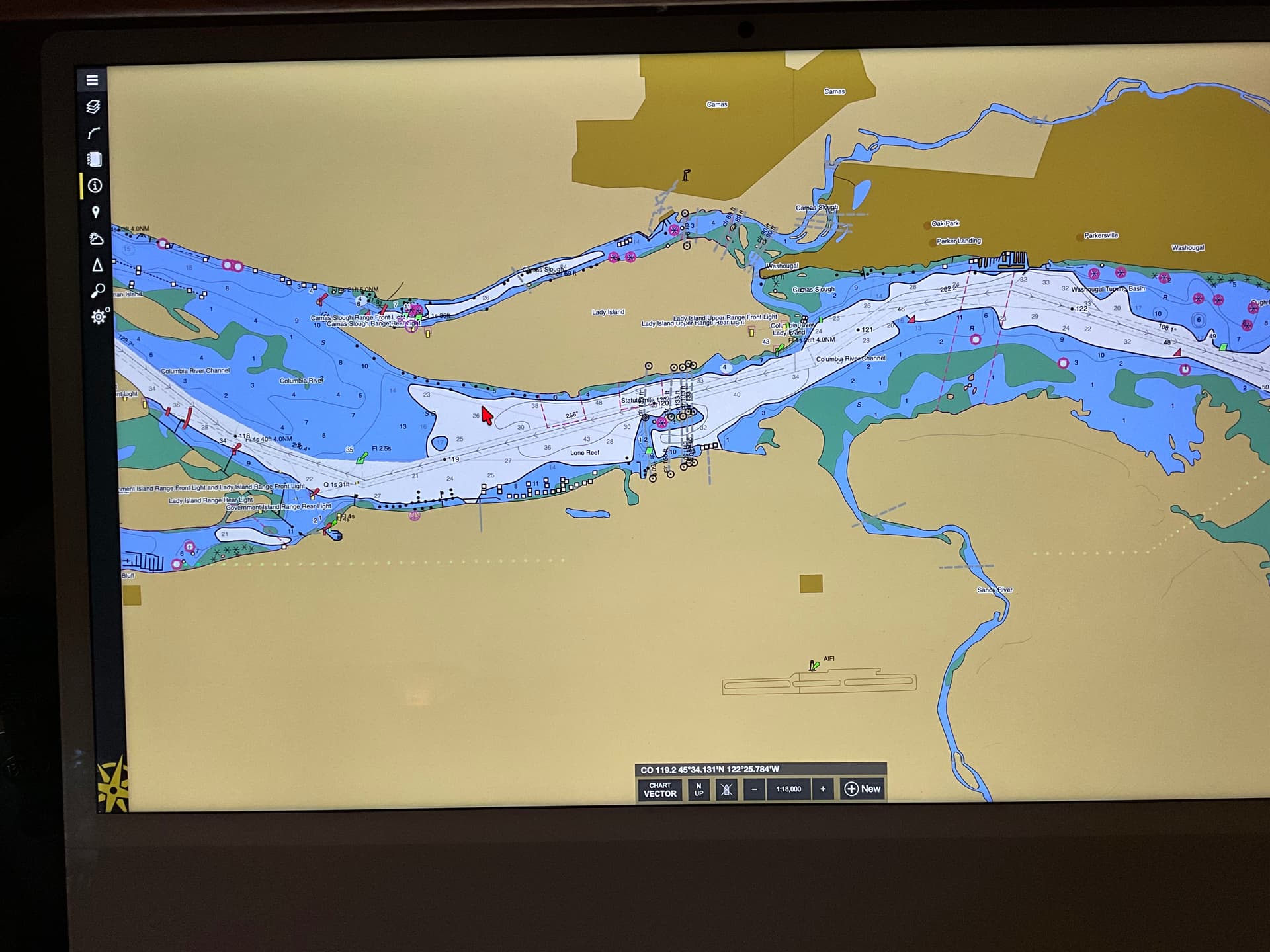
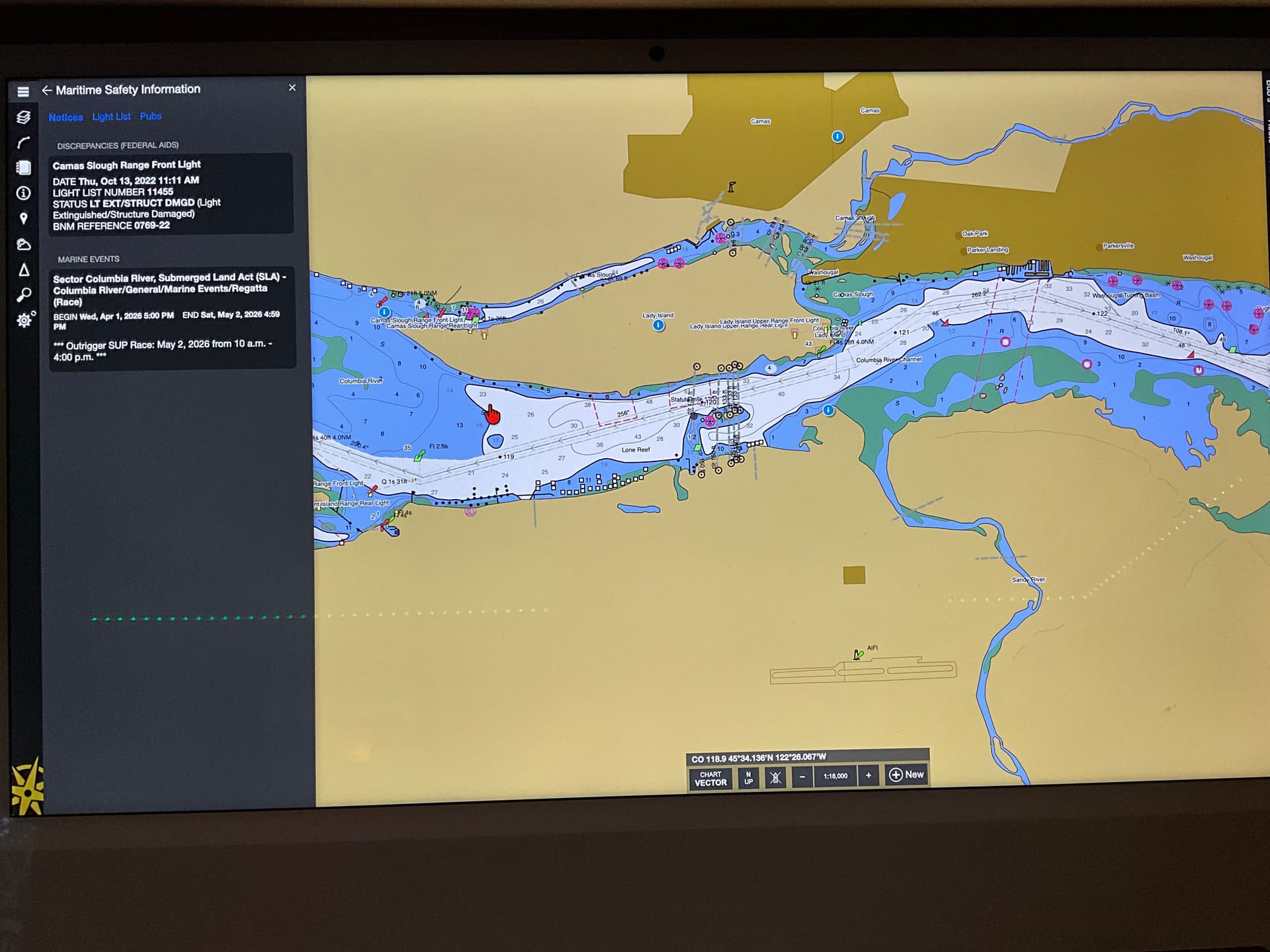
I agree! And they are supposed to…this is definitely a bug. Thanks for reporting it!
1 Like
For what it’s worth had the same issue on my Windows 11 laptop. Also was wondering if we will get access to full functionality for beta testing in the future, I’m planning on running my windows laptop on our fleet utilizing the Nemo gateways we have on our boats. Also was wondering about possibly adding my beta testing to Shavers fleet to allow me to share and test layers and portal information?
We just released an update that fixes the MSI drawing.
This update also fixes a problem with using an existing activation on a Windows PC that has Rose Point ECS installed. This will unlock all functionality and make the beta ECS “look” like the regular ECS to Update and Fleet Services so it will appear in the portal, use the fleet layers, etc. (It is somewhat important to only run one ECS at a time on a PC. Otherwise the tracking information will get interleaved.)
Signing in to the beta with the same credentials that you use to access the Shaver Fleet in the portal should give you access to the fleet layers, but that might not be working completely yet.
1 Like