Had my Layers drop out on my iPad like it did on my iMac, so followed the same instruction and clear my internet history. Unfortunately when I log in it doesn’t show my fleet with my user name anymore so cannot see the fleet or layer information. Any help is appreciated 
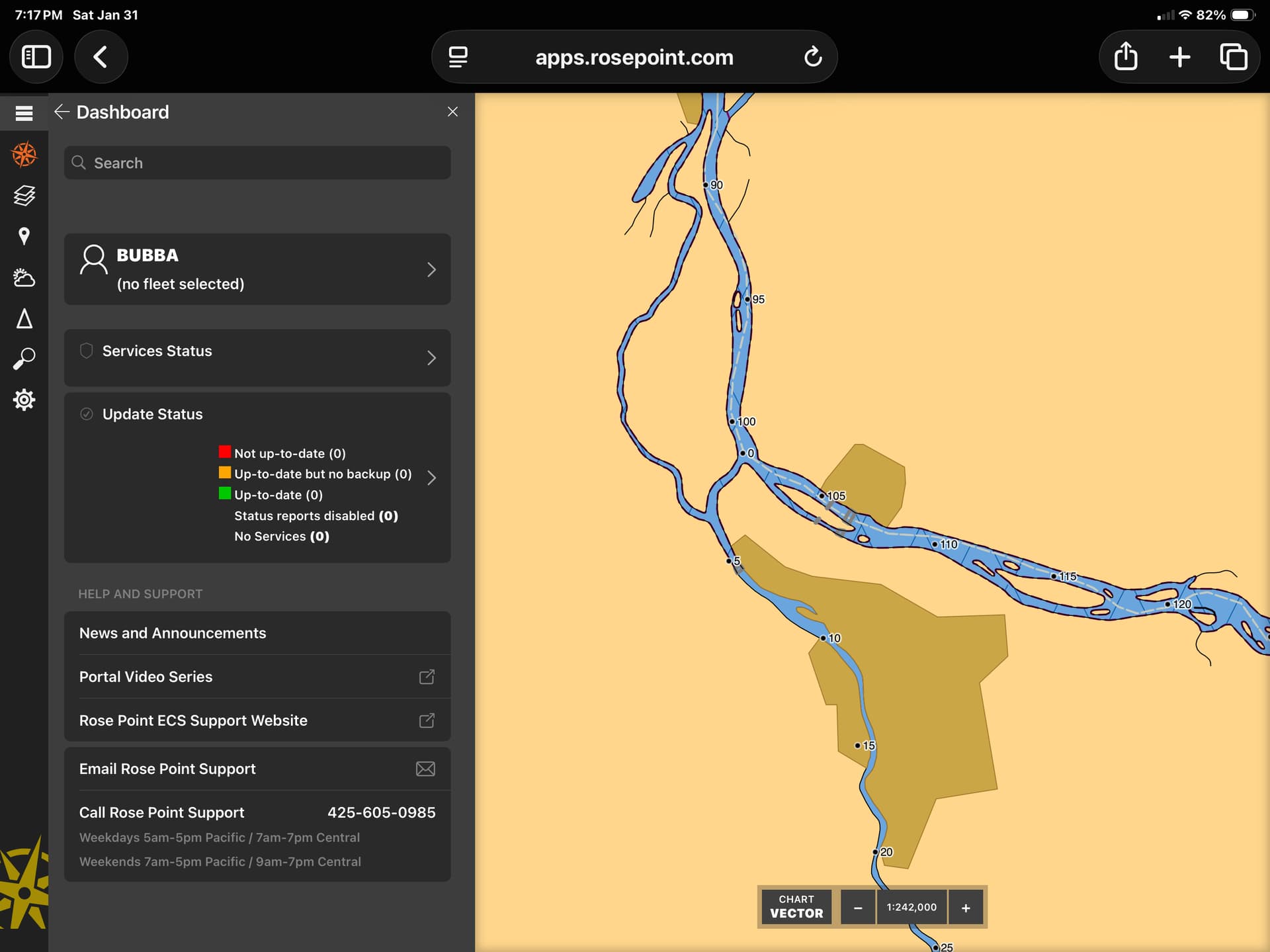
Also now having missing layer information on the iMac, and Windows 11.
The “(no fleet selected)” problem on your iPad seems to have been an issue on our user authentication server which has been fixed. However, you will need to sign out of the portal and back in for the fix to take effect.
It’s possible this also caused the problems on your other devices, so I’d try signing out/in first and see if that clears things up.
1 Like
I signed out and logged back on but the new style layers are missing information and the text in some have changed from black lettering to blue🤔. All devices have the same issue.