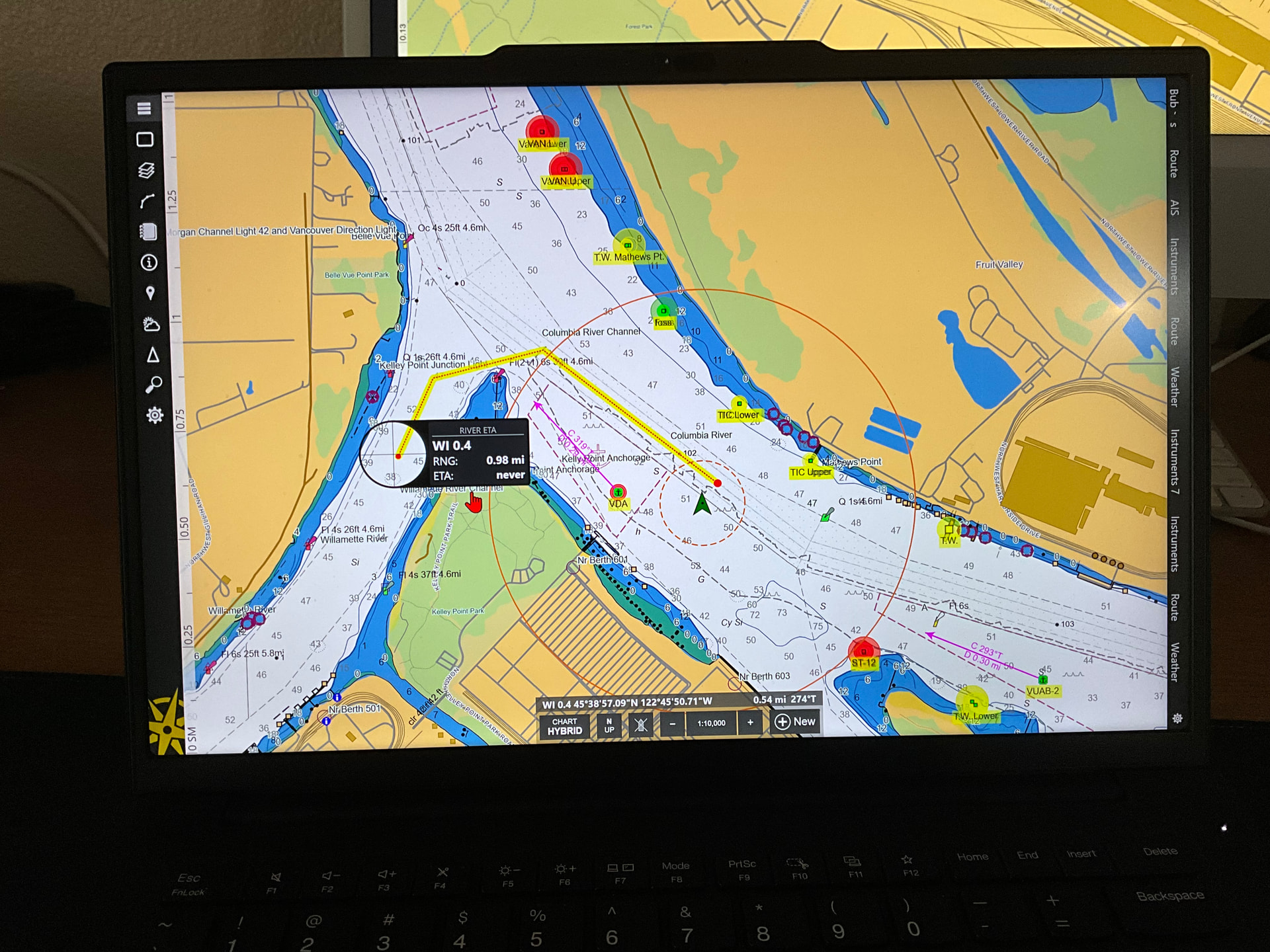
After exploring the new chart loupe features this morning really like the update, especially the new river eta.
2 Likes
How do you get to this @BUBBA
1 Like
You should see a quarter circle in the lower left corner of your chart. That’s the loupe in its default docked state, but it can be docked on any edge or corner. Drag the loupe on to the chart to use it, click on its display to cycle through a few different options, and move it to a corner or edge when you’re done with it.
2 Likes
The chart loupe has been kind of an under used tool as some have never discovered it, during our training last year I was surprised just how many crew members were unaware of it. Now it’s got some cool new tricks up its sleeve to share with the crews.
1 Like