I have many layers that i wish to remove from the program as they are no longer needed. How do you remove a layer and all the routes & points contained in it?
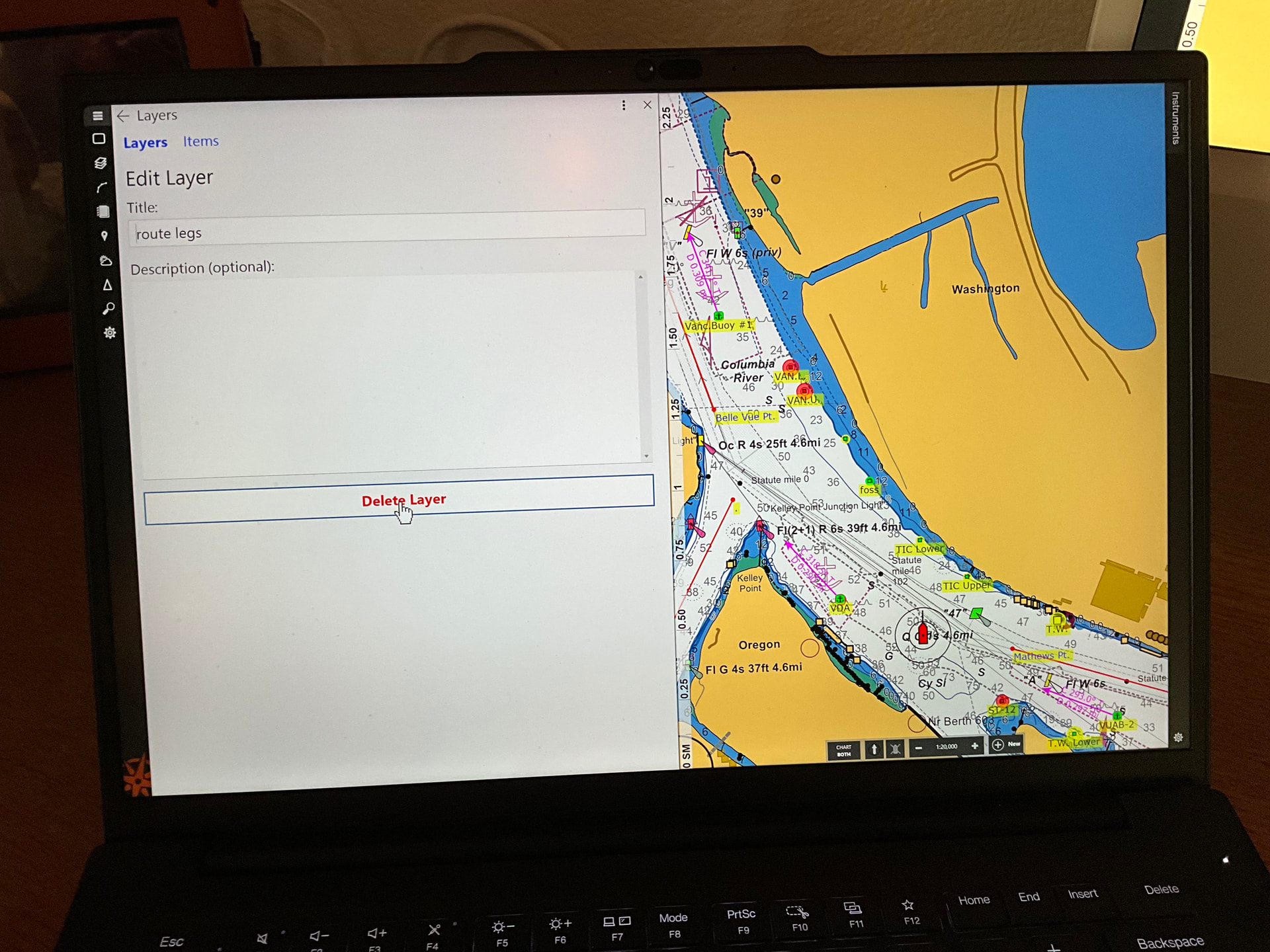
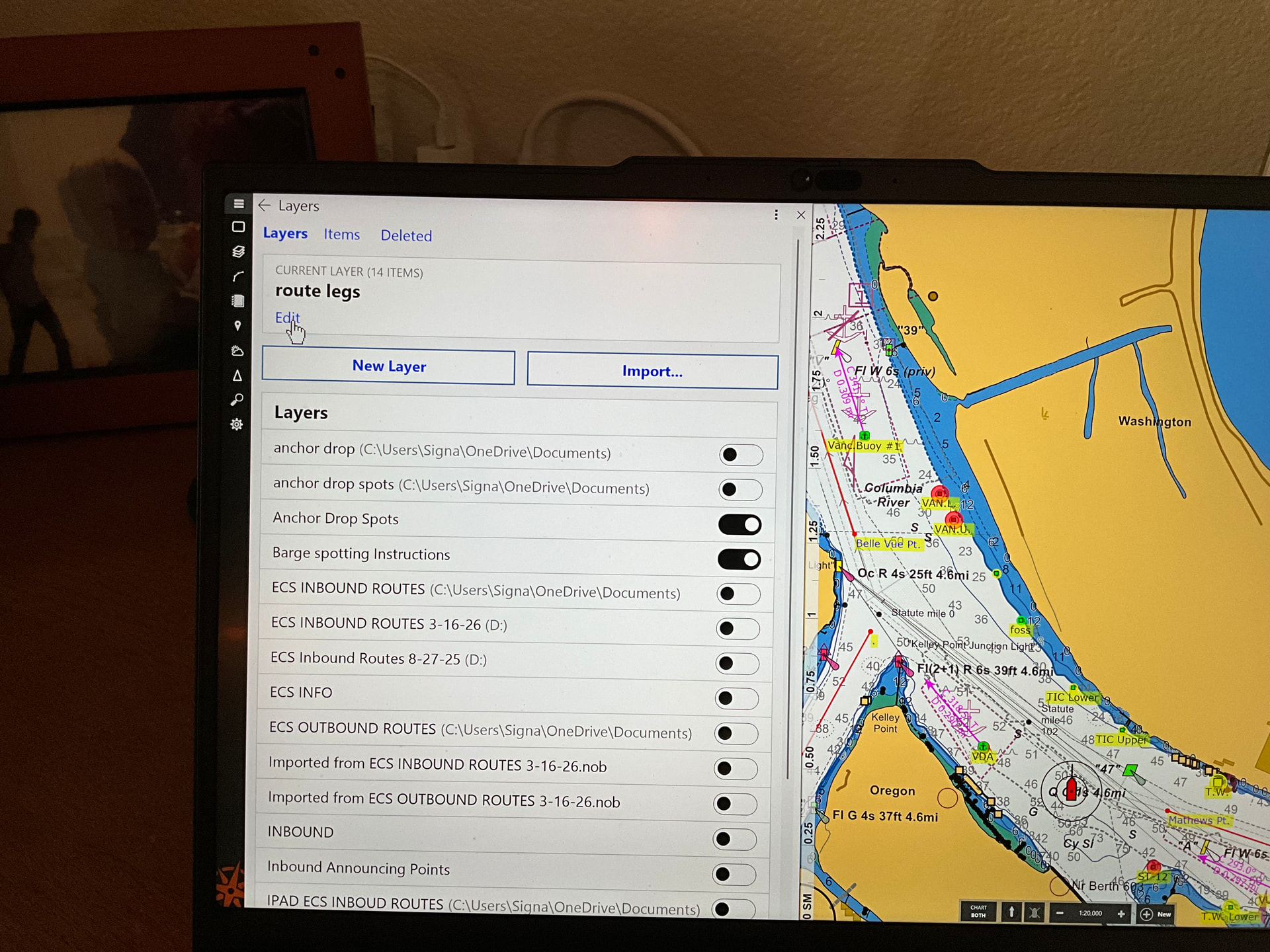
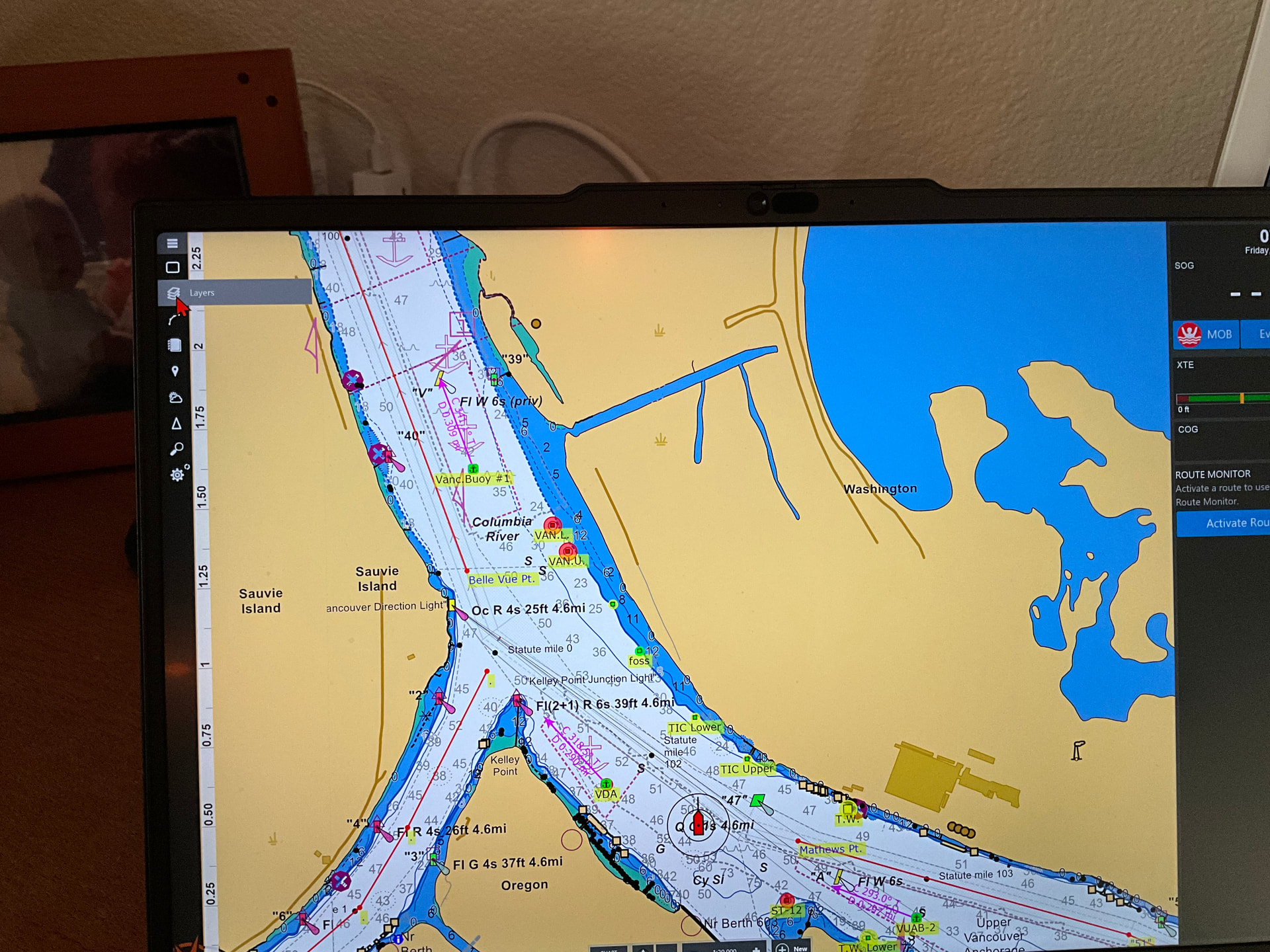
Go to layers, left click to open panel, left click on layer to be removed “ it will hi light the layer”, at the top left click edit, at the bottom is a delete layer option. I believe if you hit it it will ask to confirm.
BUBBA’s directions are correct for cloud-synchronized layers, but you need to use the Windows File Explorer to remove Voyage Plan Document layers which are stored in individual files on your computer.
In the list of layers, Voyage Plan Document layers will show the path to their folder in parentheses after the layer’s name. Most of these will be in your Desktop or Documents folder (or a folder inside of one of those) and Coastal Explorer automatically lists all of the Voyage Plan Document files it finds in those places.
To remove one of these layers, you can either delete the file (if you don’t need it anymore), or move it outside of the Documents or Desktop folders.
1 Like