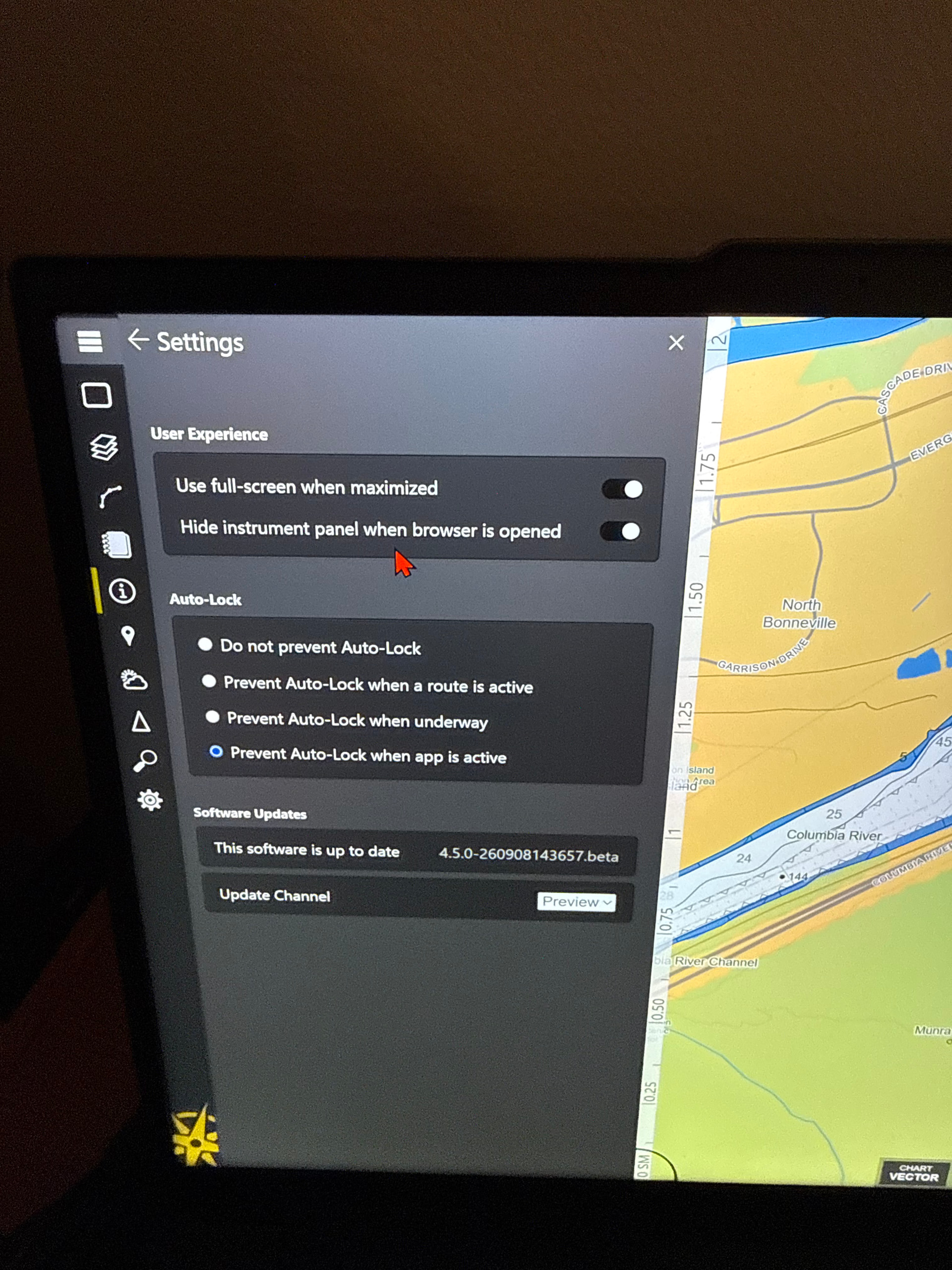
Along with “use full-screen when maximized” could we also have “an only chart toggle” that stops the banner from coming down when the cursor is moved to the top? Have a crew member that suggest it for the new version. Thanks as always Bubba
1 Like
By “banner” do you mean the title bar (with the minimize, maximize, and close buttons)? If so, is the goal to turn the PC into more of a “dedicated ECS device” while Rose Point ECS is running and prevent it from not using the full screen?
1 Like
Yes the title bar, and yes to make it a dedicated ECS device while the toggle is on. Some of the feedback from the crews had mentioned that the title bar was a nuisance when trying to access items near the top of the browser and or the task pane.
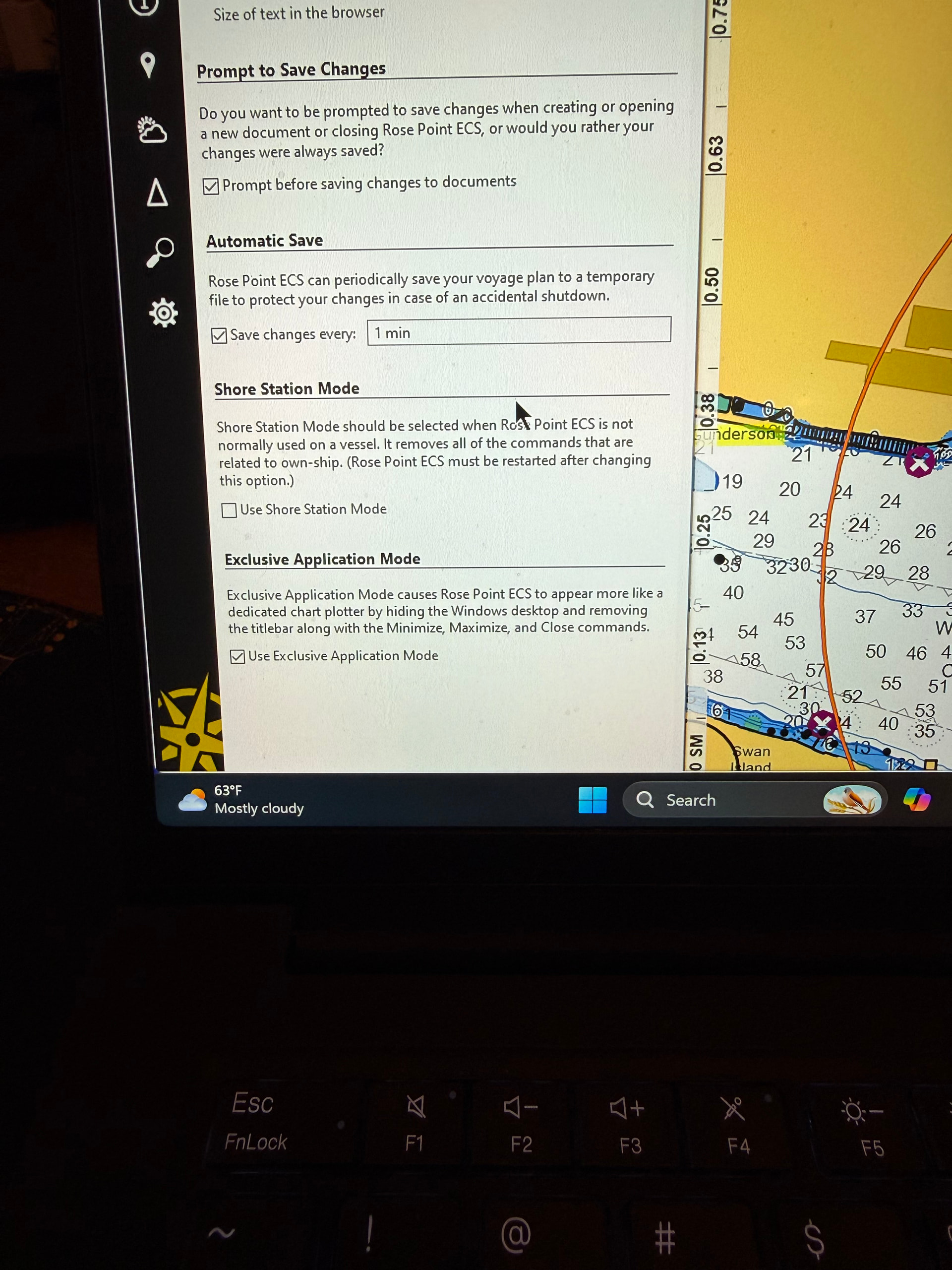

The latest update includes a change to what triggers the titlebar to appear which might help, but I’ll see if we can get Exclusive Application Mode into v4.5.
1 Like
Question for you: Exclusive Application Mode not only forces full-screen mode and disables the titlebar, it also replaces the Exit command with a “Turn Off the Computer” command (which also lets you log out of Windows or restart the computer). Do you think the “Turn Off the Computer” part is important, or just the window behavior?
I tested the latest update and it was still letting the title bar drop down. I personally think just the windows behavior would fix the issue with the crews.
1 Like